
When a player names a spell, look it up from the console’s header. OpenFray 1.3 adds reference search alongside stable labels for repeated creatures and recovery controls for interrupted fights.
OpenFray is a free combat console for Game Masters running DnD 5e. It keeps initiative, hit points, and effects together in a browser tab. You can run a fight without an account or anything to install.
Open the console to try it with your next encounter.
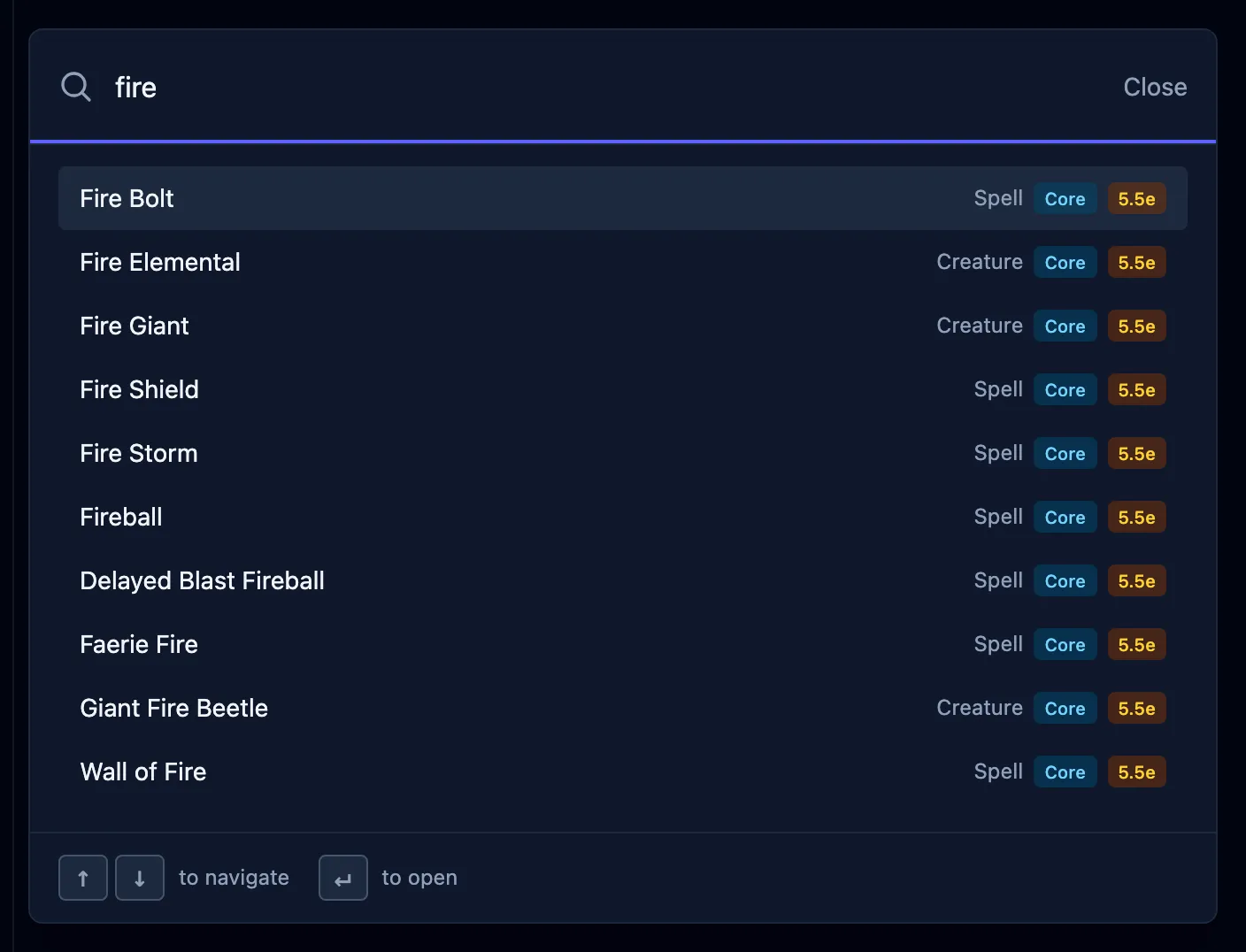
Find the spell while the table waits
Look up a spell or condition from the header while the encounter stays open. Search also finds creatures, saved characters, and console navigation. Results include creatures from every enabled library and the available spells.
You can cast a spell straight from search, even before anyone is on the board. Results scroll, and you can choose a keyboard shortcut in Settings.
Keep the goblins straight
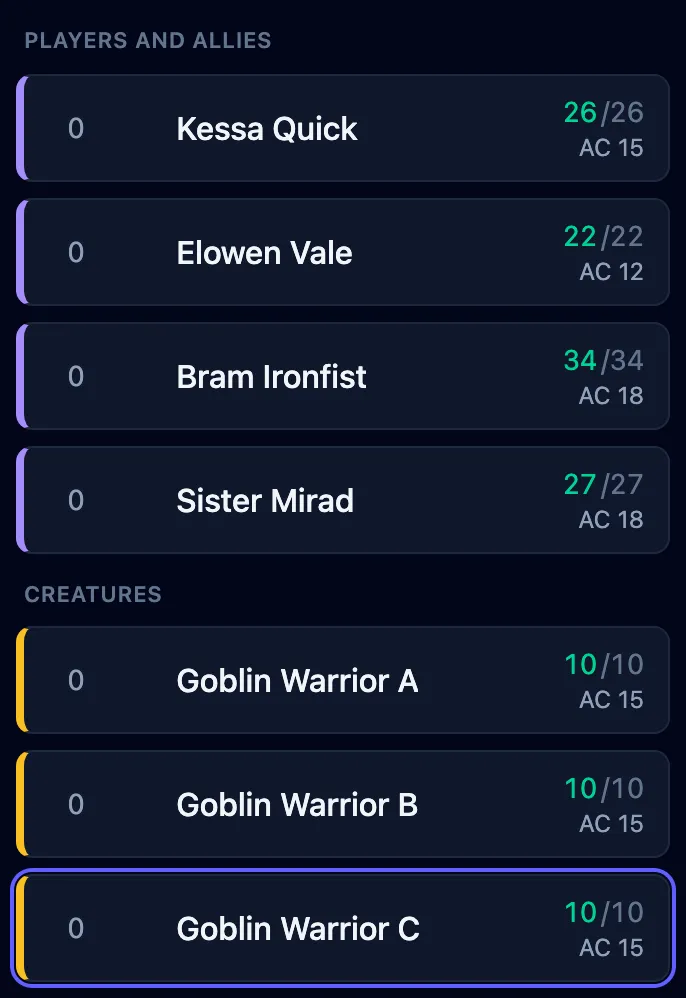
Remove Goblin B from the board and Goblin C keeps its letter. You don’t have to rename the remaining creatures when one leaves the fight.
Repeated creatures can use numbers, Roman numerals, or letters. Choose a style in Settings → Tracker; it applies to new labels and leaves existing labels and names you typed unchanged.
Choose creature and ally marker colors that you can distinguish against your background. The shared player view follows your tracker colors by default. If the table’s screen needs different colors, you control those overrides too, without changing your own tracker.
Each color has its own reset arrow. Resetting a player-view override makes it follow the tracker again. The handbook covers tracker settings and player-view settings.
Recover an interrupted fight
Version 1.3 adds offline recovery and security protections for the encounter you are running, including session recovery, safe updates, and more reliable shared player views.
When your device and the cloud both contain changes, the console asks which board copy you want to continue. The other stays available for recovery, and you can download both before choosing. If saving fails, you can retry or download a recovery copy.
Updates wait for you to review them. Update and reload checks the encounter’s recovery copy before reloading. Finish open forms first: unfinished form entries are lost in the reload.
Smaller things
- The sign-in page is simpler: choose Google or Discord directly, with the Terms notice beside the buttons and no checkbox.
- Keyboard focus is visible, and initiative rows support arrow-key reordering.
- Repeated touch controls have larger targets.
- The tracker has updated cleanup icons, and the game log heading separates it from the controls.
The unified changelog records the release across the console, website, and handbook.
Put your next encounter on the board
Encounter saving is already included with a free account. Prepare the party and creatures in advance, or save a fight in progress to restore next session on whichever device you bring.
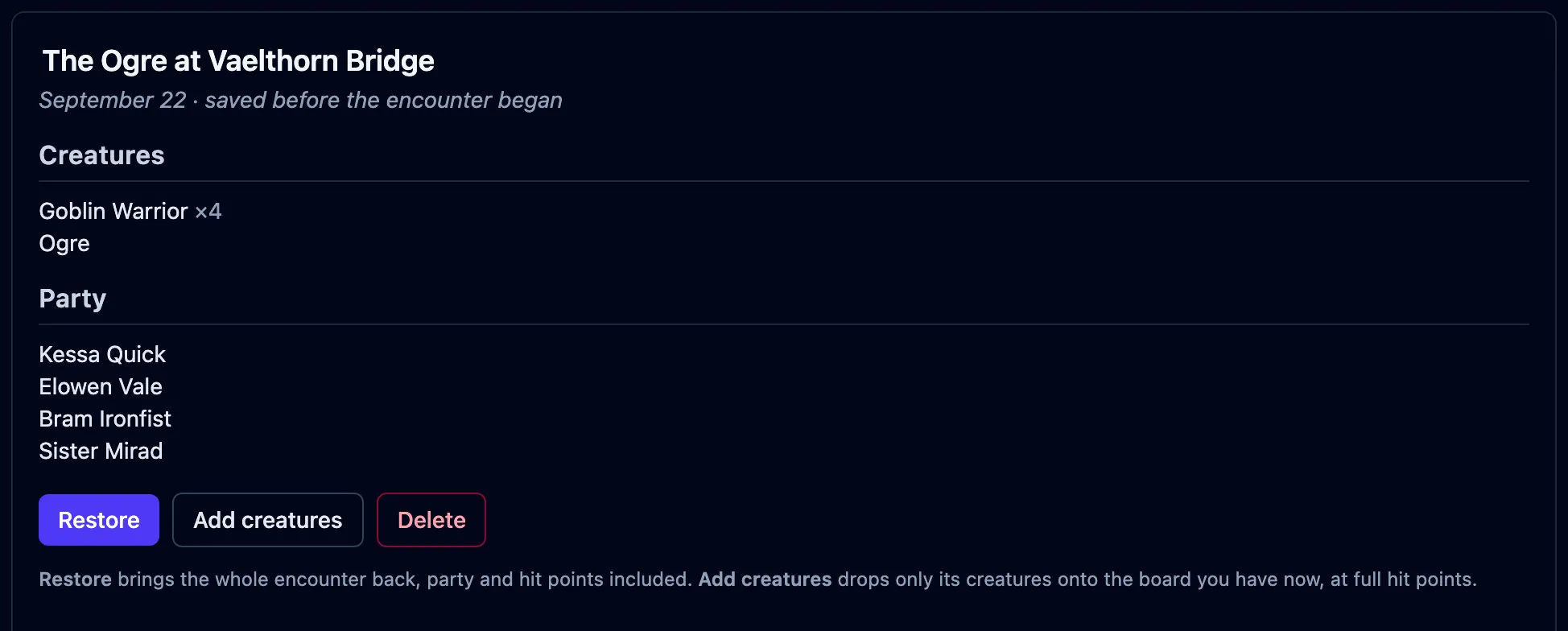
The saving guide explains how to restore the board or reuse its creatures in another encounter.
Open the console to try a fight, then sign in with Google or Discord to save it for your next session.