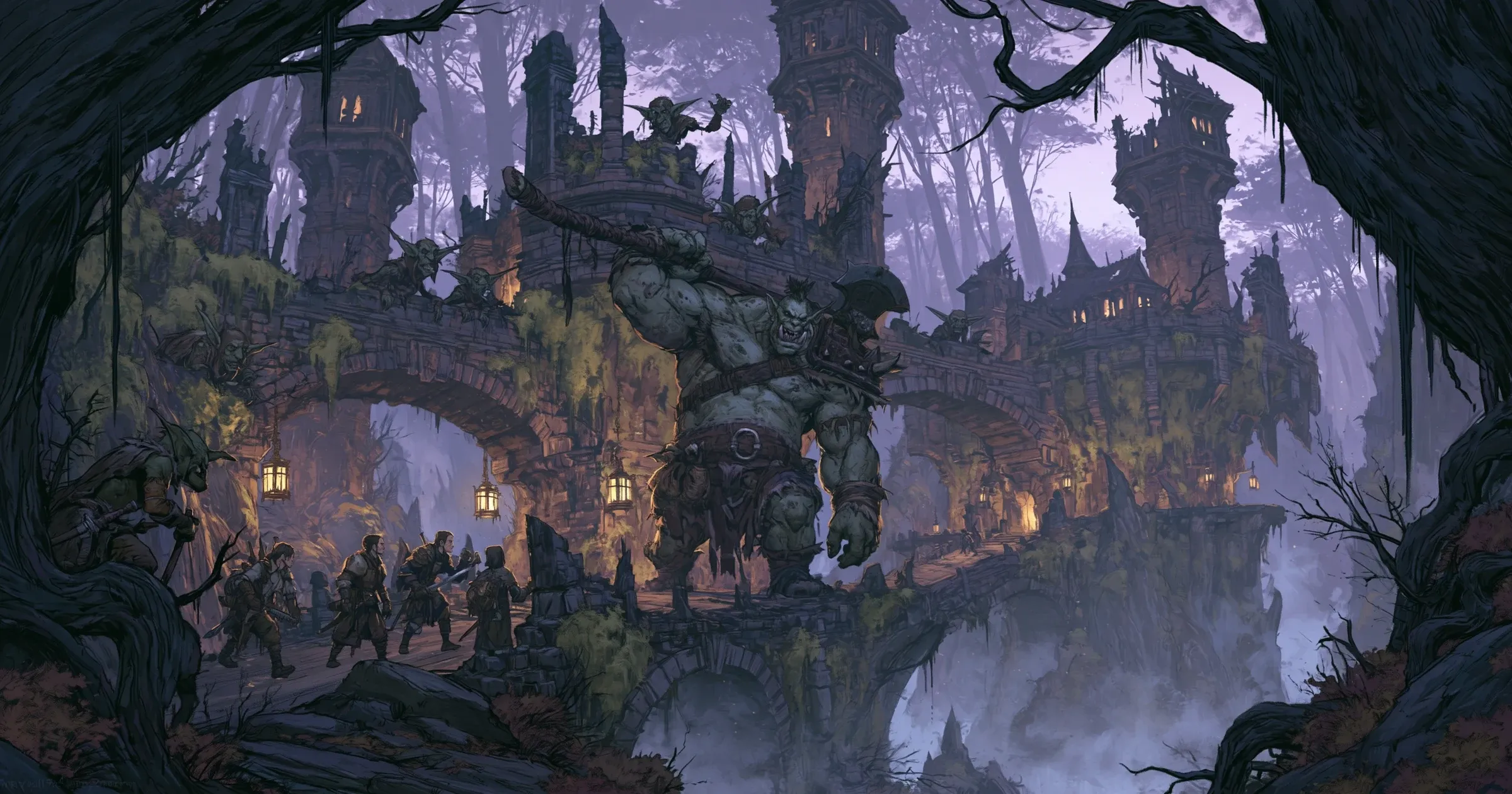
A list of creatures in one note, the party in another, and a browser full of stat blocks: that is a lot to reopen on game night.
I would rather put the whole fight on the board while I am preparing it. OpenFray’s console lets me assemble the party and its opposition, check how hard that lineup looks, and save it under the name I will recognize next week. If another Game Master wants the same encounter, I can publish the creature lineup to one link instead of sending them a list to rebuild.
Build around the party that will face it
Start with the party. Add saved player characters from a campaign, or use Add PC for the names, hit points, and armor classes you need at the table. Then add creatures from the compendium. Multiple copies group together while you prepare, so four Goblin Warriors take one search and four clicks.
Before combat begins, the footer estimates the encounter as Trivial, Easy, Medium, Hard, or Deadly. Add another creature and the estimate changes. Remove one and it changes again. The experience point total stays beside it.
The label is an estimate. A saved character can carry their class, level, and ability scores, but each one is optional. The difficulty estimate works the party’s level back from each character’s hit points, and from Constitution when you have recorded it. It gets closer with a saved party, but it cannot know that everyone spent their strongest abilities in the last room, or that the bridge in this one favors the Ogre.

Use the estimate to spot a mismatch while you can still change the encounter.
If you need the calculation behind the label, the handbook explains how encounter difficulty is estimated.
Save the encounter before game night
Once the board has the party and creatures you want, click Save this encounter below the tracker and give it a name you will recognize, such as “The Ogre at Vaelthorn Bridge.”
Saving takes a free account. The first fight does not: you can open the console and run it anonymously. An account is what puts the prepared encounter on the laptop or tablet you bring to the next session.
A save holds the creatures, party, hit points, effects, conditions, initiative, current round, and log as they stand. You can save the prepared encounter or stop during round 6 and resume there next week.
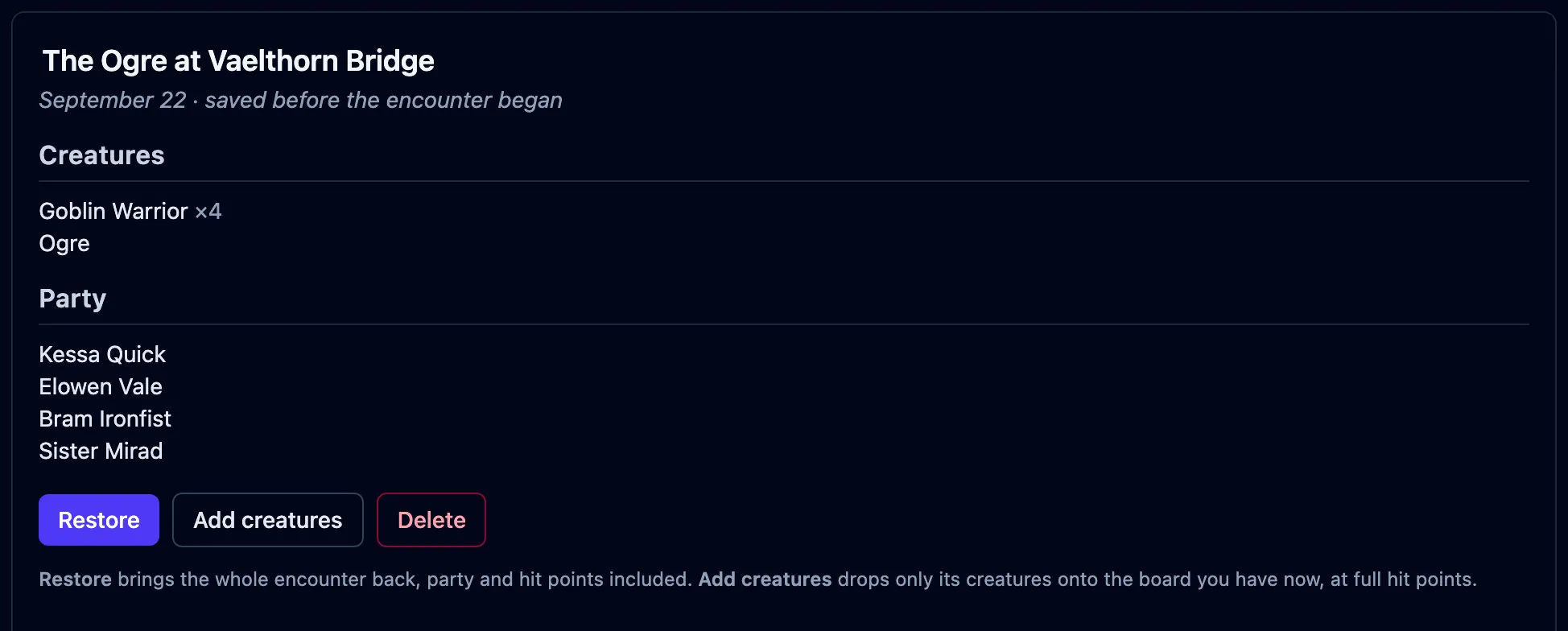
Saved encounters live under Encounters in the compendium. Each card shows the cast, grouped and counted, so the name does not have to carry every detail.
Restore the fight, or reuse the opposition
A saved encounter has two ways back to the board:
- Restore returns the whole snapshot. The party, hit points, effects, initiative, round, and log all come back. Use it to continue a fight or return to the exact setup you prepared.
- Add creatures puts fresh copies of its creatures onto the board you already have. The saved party stays behind. Use it to run the same ambush for another group or keep a favorite creature lineup ready for later.
The full sequence is in Save a fight for later.
Share the encounter without sharing your campaign
A saved encounter is private. To hand the encounter to another Game Master, put its creatures on the board and click Share this encounter.
Give the encounter a name and an optional note. The note can explain where the creatures begin, what opens the fight, or which part of the terrain matters. Add your byline, choose a license for your contribution, and publish it.
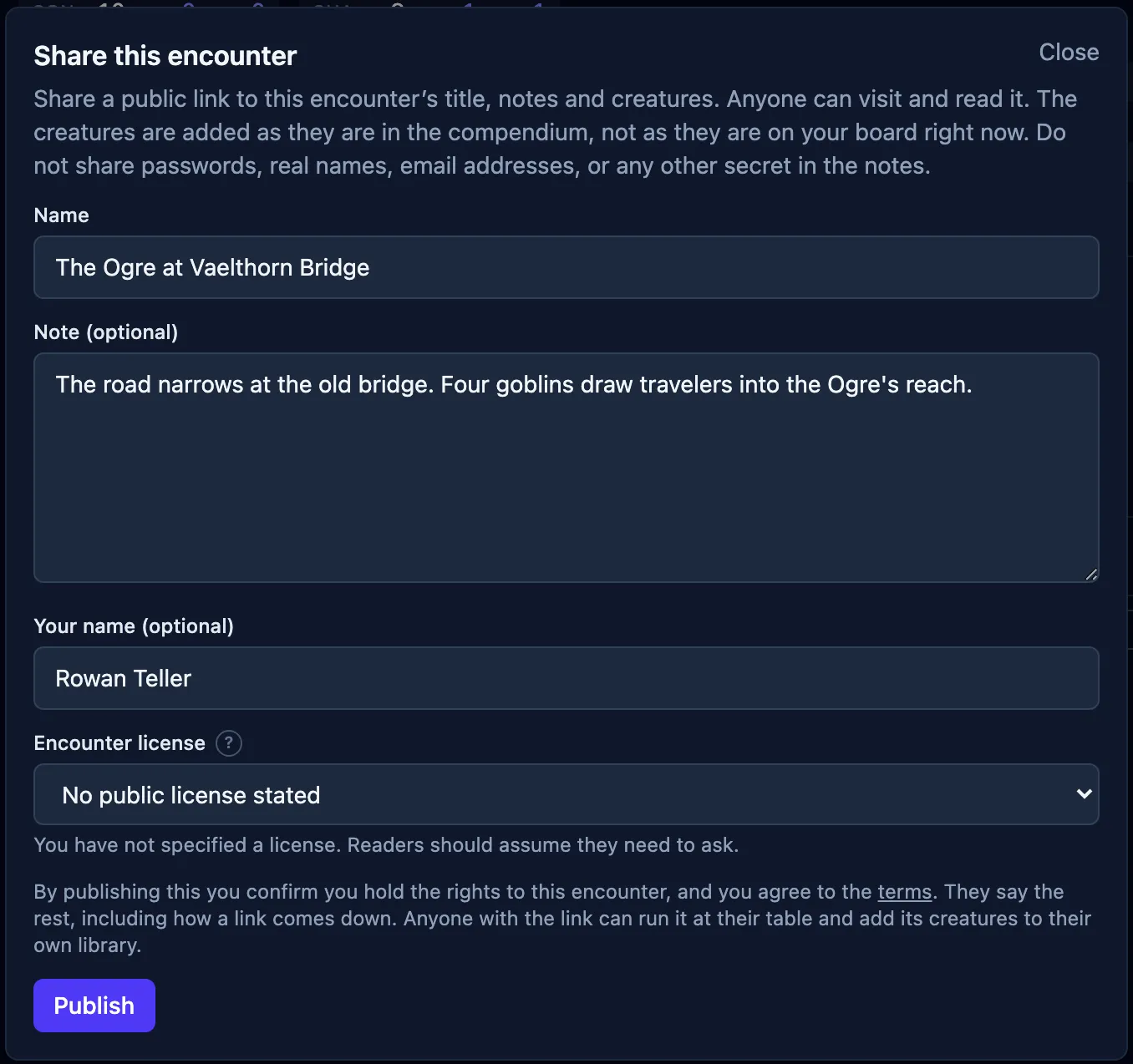
The published page carries the encounter’s creature lineup, name, note, byline, and license. It leaves behind your player characters, current hit points, effects, initiative, and log. Another Game Master can read every stat block on the page, then choose Use this encounter to place the reusable creatures on their own board.
Publishing needs an account. Under Shared links, you can copy a published link again or unpublish it.
Each creature keeps the license its author gave it. A creature without permission for reuse can be read on the published page but will not copy to another board. Creatures brought in through the OpenFray Importer cannot be published. The publishing guide covers what travels, what stays private, and how those licenses remain separate.
Prepare one encounter now
Open the console, add your party, and assemble the next fight. Watch the difficulty estimate while you change the cast. When the lineup looks right, sign in to save it for game night.
If somebody else should be able to run it, publish the encounter and send the link. They can put its creatures on their own board without rebuilding your work.