
Your account & what's saved
Running a fight needs no account at all. Signing in is free, and it adds everything OpenFray has to store for you: fights that sync between devices, campaigns and house rules, saved characters, homebrew and imported creatures, your own presets, and a named player-view link. This page explains where your game lives in each case, and how to delete it.
Without an account
Section titled “Without an account”Open the console and run a fight straight away. The whole fight works: creatures from the built-in books, players, initiative, effects, spells, group saves, dice, and the compendium.
Your fight is held in that browser tab. Reload the page, or recover from a browser crash, and the fight is still there. Close the tab on purpose and the fight is gone. This is deliberate: nothing of yours sits on a server you never asked to use. OpenFray warns you before you close a tab with a fight in it.
You can also share a read-only player view with your table without an account. The shared view is stored on no server either way. It reaches your players’ screens as the board changes and is kept nowhere.
A handful of things do stick around on your own device without an account: your library choices, your keyboard shortcuts, your choice of light or dark mode, and the link your player view uses, plus the PIN locking it and the backdrop behind it. All of those belong to the browser rather than to you, so another computer starts fresh.
Signing in
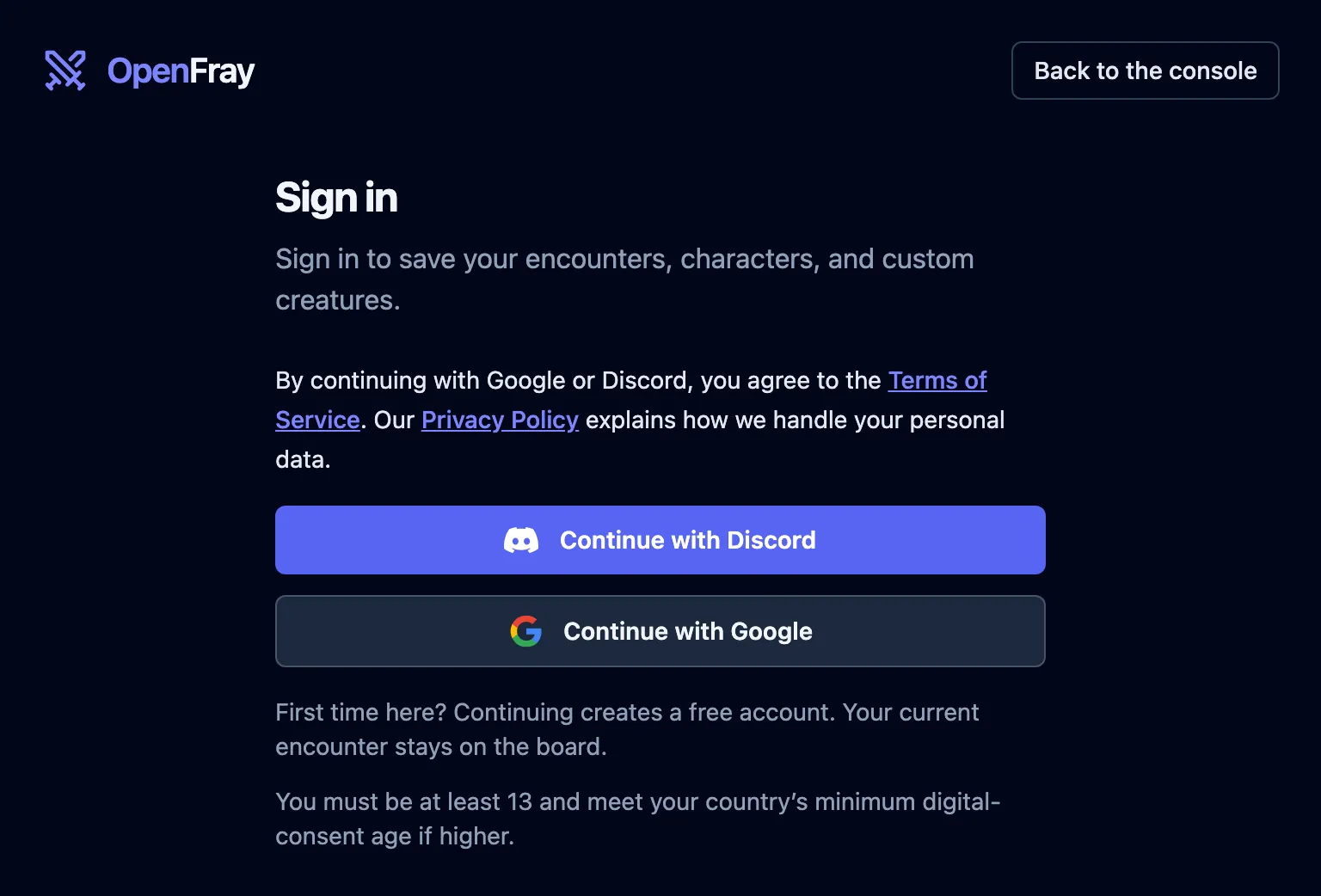
Section titled “Signing in”Click Sign in in the console’s header, then Continue with Discord or Continue with Google. The provider opens so you can sign in. Your first sign-in creates a free account, and your current encounter stays on the board.
By continuing with either provider, you agree to the Terms of Service. The Privacy Policy explains how your personal data is handled. The notice appears beside the provider buttons; there is no checkbox. You must be at least 13 and meet your country’s minimum digital-consent age if higher.
From then on, these follow you between devices:
| What | Why you’d want it |
|---|---|
| The fight you’re running | close the laptop mid-session, pick it up next week exactly where you left off |
| Creatures and spells you make | your homebrew and imports, in your own library |
| Characters | build the party once instead of retyping them each session |
| Campaigns | your table’s house rules and private notes on the game |
| Your player-view link | name it something your table remembers, and keep it between sessions |
| Saved fights | keep a board as it stands and come back to it |
| What you’ve published | the links you’ve handed out, and a way to take them down |
Saving happens in the background while you play. You never wait for it, and there’s no save button. Saving a fight to come back to later is a different thing, with its own button: see Save a fight for later.
Nothing you did before signing in is thrown away. The fight on your board stays put.
Signing out is the one place that isn’t symmetrical. The player-view link’s name belongs to the account, so signing out stops the share and mints a fresh anonymous link in its place. Anyone holding the old one is left behind. See Naming the link.
Your profile
Section titled “Your profile”Click your account, then Profile. It shows the email you signed in with and how (Google or Discord; OpenFray never sees your password either way), and holds two settings beyond deleting the account, covered next.
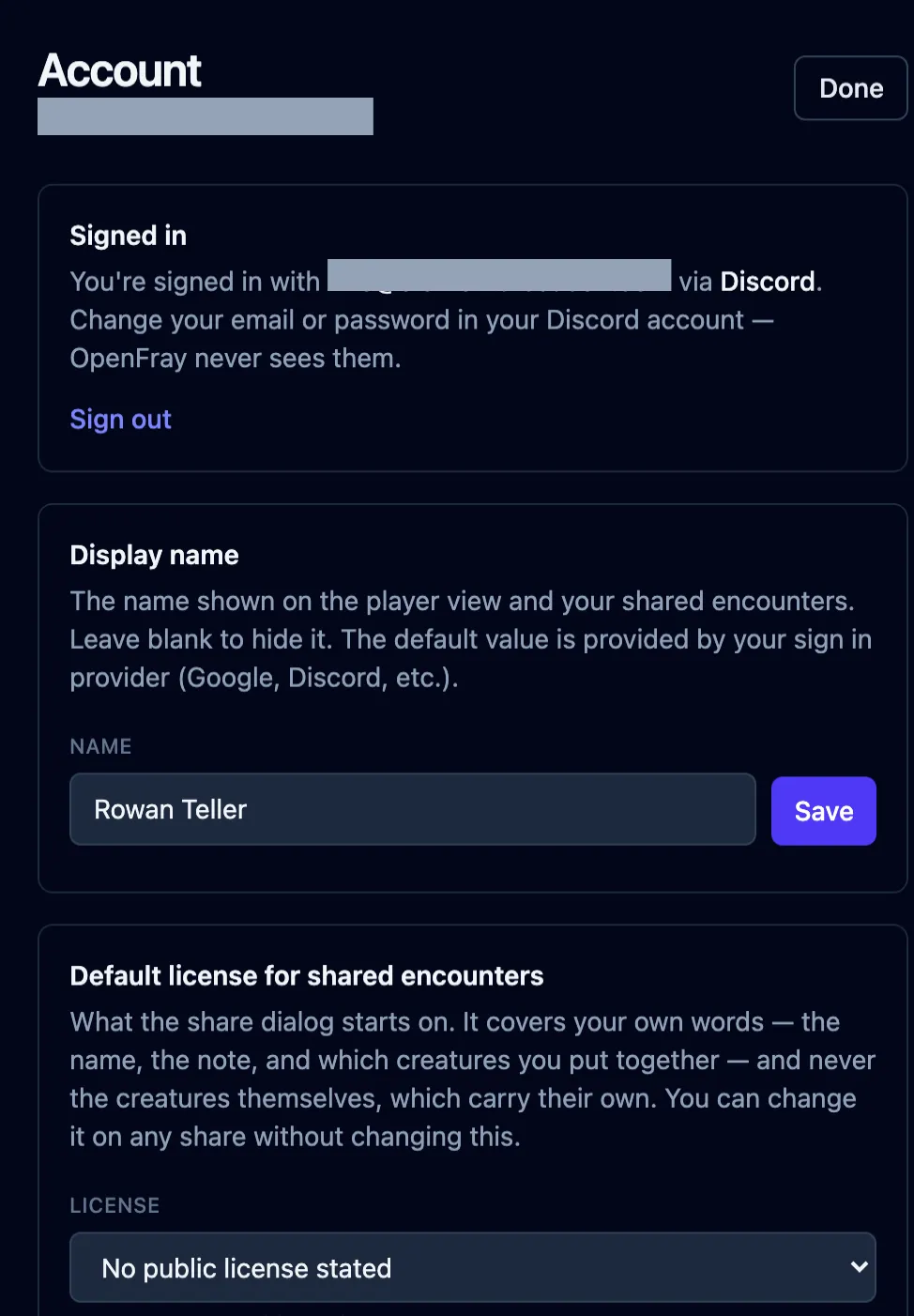
- Display name is what appears in two places: the Run by line on your player view, and the byline on anything you publish. It starts as whatever your sign-in provider handed over, and leaving it blank publishes and shares anonymously instead.
- Default license for shared encounters is what the publish dialog’s license field starts on, so a Game Master who always publishes under the same terms doesn’t pick them every time. Changing it here changes nothing you’ve already published; it’s only where the next one starts.
Deleting everything
Section titled “Deleting everything”In Profile, Delete account removes your account and everything attached to it: your fights, creatures, spells, characters, and campaigns. Anything you published comes down with it, and anyone holding one of those links will find it gone. You’re asked to type your email to confirm.