Cast a spell
Casting a spell rolls its dice, offers to put its effect on the board, and shows you its card so you can read what it does. This page covers casting from a creature or from the Cast spell button, adding a spell’s effect, and the damage that lands a turn later.
Casting a spell
Section titled “Casting a spell”There are two ways to cast.
From a creature. Open its stat block and click a spell in its list. OpenFray fills in the save DC and attack bonus from that creature, and spends one casting: an At will spell is unlimited, while a 2/Day Each spell counts down per spell, and grays out when it’s spent.
Creature spells cast at the level printed on the stat block. There’s no upcasting to pick, because a stat block doesn’t have spell slots to spend.

From the Cast spell button, at the top of the screen. Search any spell in the libraries you’ve turned on, plus your own. The caster starts as whoever you have selected, or whoever’s turn it is, so the common case needs no picking; change it in the dropdown when it’s someone else.
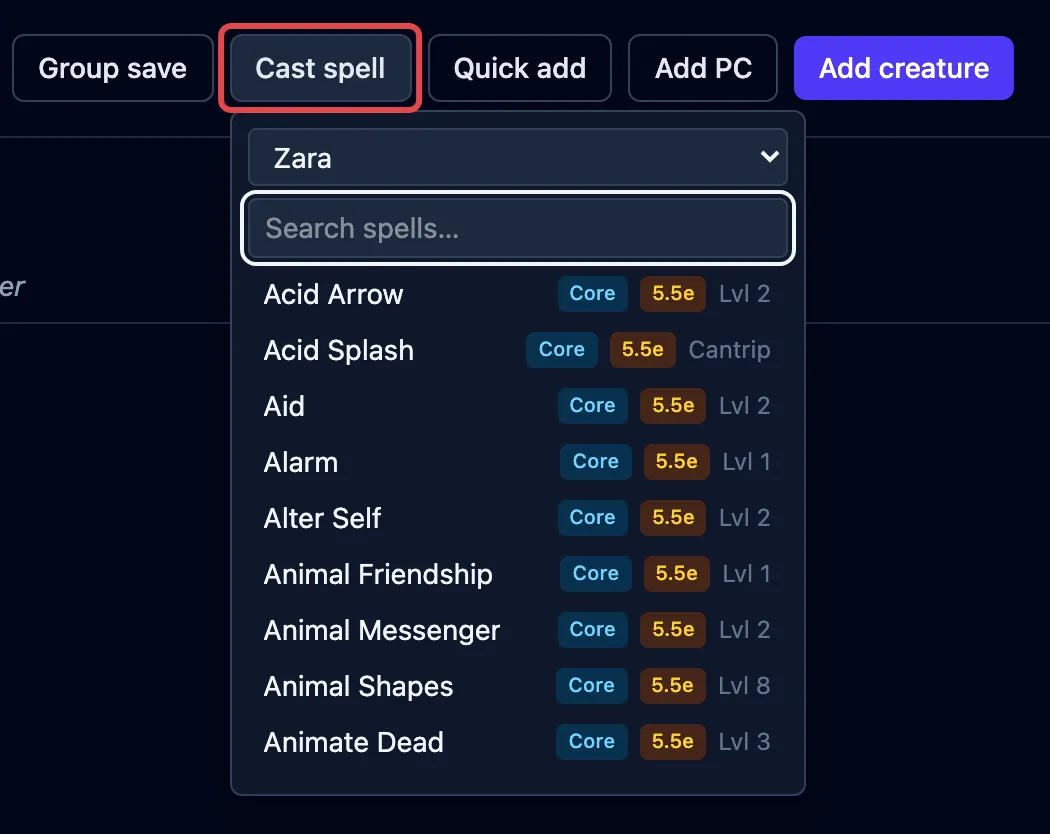
Naming a caster does two things: OpenFray takes their save DC and spell attack bonus, and starts their concentration when the spell takes hold. A creature reads both off its stat block. A saved character works them out from the class, level and ability scores you typed in, so a player’s spell needs no numbers from you either.
Some characters leave both fields blank, and you type the numbers yourself:
- a character whose spellcasting comes from a subclass, like an Eldritch Knight, because the board records the class and not the subclass;
- a character with more than one class, because only one of them is stored;
- an anonymous character or a quick add, which carries no class, level, or ability scores at all.
You can also cast with the caster blank and type both numbers, whoever is casting.
What happens next depends on the spell:
- an attack spell opens the attack box: roll to hit, then deal damage;
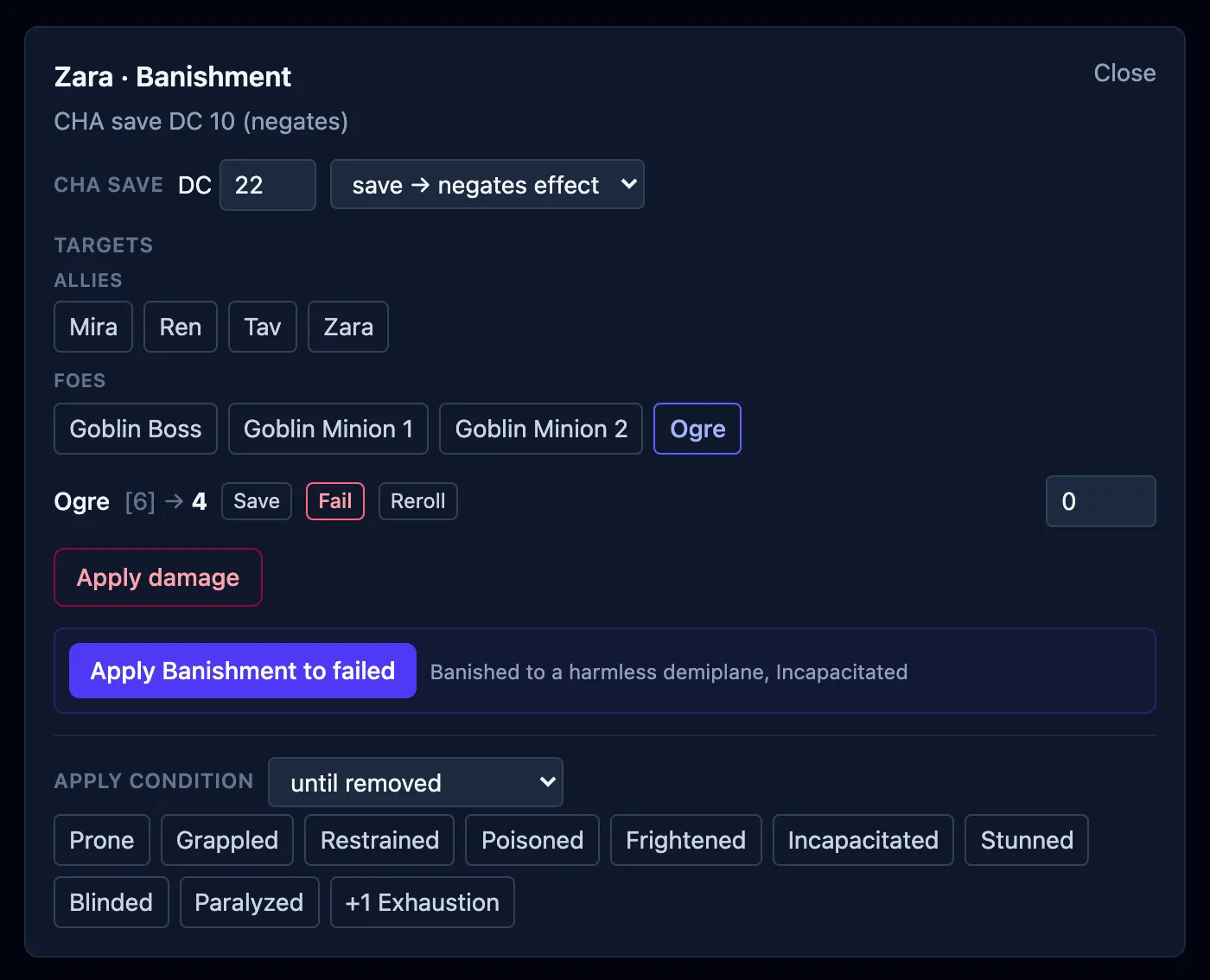
- a saving throw spell opens the group save box, already filled in;
- a helpful or utility spell shows its card.
A condition named in a spell’s rules text carries its own rules: point at it and they come up, the same way they do in a stat block.
Wherever a spell rolls its own dice, Roll damage becomes Reroll damage afterward. Rerolling updates the damage the saves are split from and leaves the results you’ve already recorded alone. See Rerolling one creature’s save.
Putting a spell’s effect on the board
Section titled “Putting a spell’s effect on the board”Lots of spells leave something behind on a creature: a bonus, a condition, a note. When a spell has one of those, OpenFray offers to add it to the board after you cast, so you don’t have to build it by hand:
- Bless → +1d4 on attacks and saves, for the creatures you pick;
- Hold Person → Paralyzed, with the saving throw already set up;
- Mage Armor → the new armor class, worked out from the target’s Dexterity;
- Haste → +2 armor class, advantage on Dexterity saves, doubled Speed, and a reminder about the extra action, all applied together.
A spell that leaves several things behind, like Haste or Slow, lands them as one bundle named for the spell. Clearing the badge clears everything the spell applied, and for a spell the target can shake off, succeeding on the save ends the whole spell at once. Where an effect changes a number (armor class, Speed, the hit point maximum), the stat block and tracker row show the changed value while it lasts.
Spells that only affect the caster (Range: Self, like Speak with Animals) go straight onto them, with no target to pick. For a saving throw spell, OpenFray offers to put the effect on the creatures that failed.
Damage that lands a turn later
Section titled “Damage that lands a turn later”A few spells deal some of their damage later. Acid Arrow and Vitriolic Sphere each deal the rest at the end of the target’s next turn. OpenFray applies only what lands now, and puts a reminder on each creature that was caught: 5d4 acid at the end of this turn. The badge clears itself when the damage comes due, and you roll it the same way you roll a Hex die.
Concentration and the log
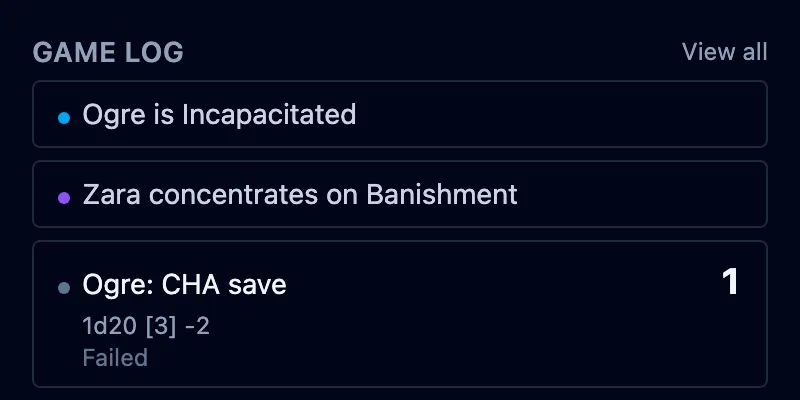
Section titled “Concentration and the log”Every spell you cast is written into the game log. When a spell needs concentration, OpenFray marks the caster as concentrating once the spell lands: a target failed, the attack hit, or you applied its effect. The timer is already counting. A spell everyone shrugs off leaves nothing to concentrate on, so nothing is marked. A spell with nothing to roll and nothing to put on a creature (Wall of Force, Silent Image) takes hold as you cast it. Ending concentration then clears the spell everywhere at once. See Track concentration.