
Spend creature resources
Creatures come with resources that run down over a fight: a reaction each round, legendary actions, legendary resistance, recharge abilities, limited-use actions, and spell uses. OpenFray counts each one as you spend it, and refreshes what should come back on the creature’s turn. You spend them from the creature’s controls and from its stat block.
Reactions
Section titled “Reactions”Every creature gets one reaction a round: an opportunity attack, a readied action, a Shield spell. In the controls beside the stat block, click Use reaction when it spends one; the button changes to Reaction used.

A creature’s own reactions are in the Reactions section of its stat block. Click one to spend the round’s reaction with it, and the Use reaction control changes to Reaction used either way. If the reaction rolls something, the attack or save box opens; most reactions (Parry, Split) roll nothing and just spend it.
The reaction refreshes at the start of that creature’s next turn, so you don’t have to reset it by hand. You still can, if you clicked it by mistake.
Legendary actions
Section titled “Legendary actions”A legendary creature can act between other creatures’ turns. Its stat block has a Legendary Actions section, headed with how many it has this round, for example Legendary Actions (3 of 3 left).
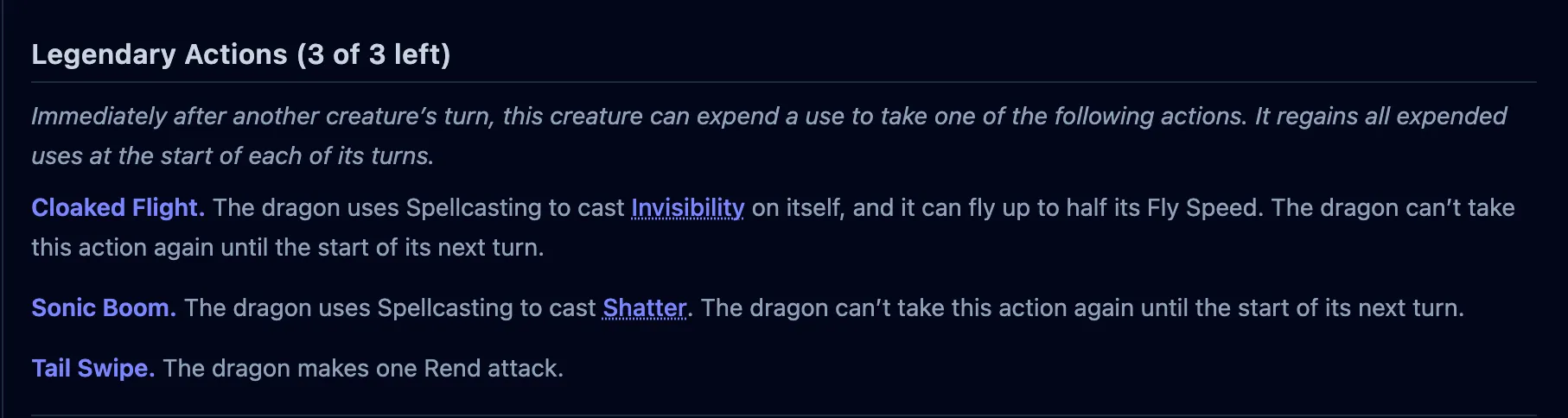
Click a legendary action to spend it. Each one has a cost, and the header counts down as you spend from the round’s budget. If the action rolls something (an attack, a save), it opens the attack or save box. The budget refreshes at the start of the creature’s turn.
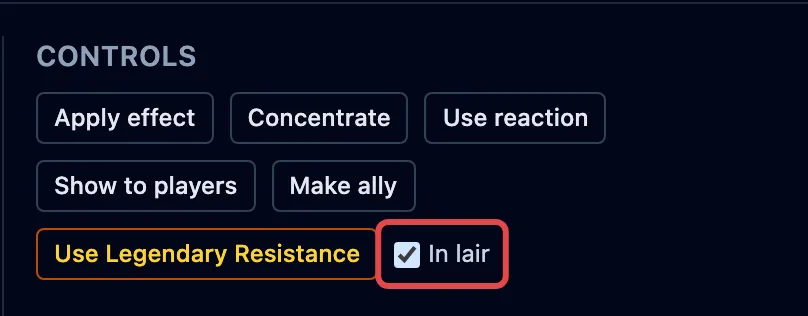
A creature with legendary actions often has a larger budget in its lair. The In lair toggle, in the creature’s controls, marks it as fighting there, and swaps in the lair counts for legendary actions and legendary resistance.
Legendary resistance
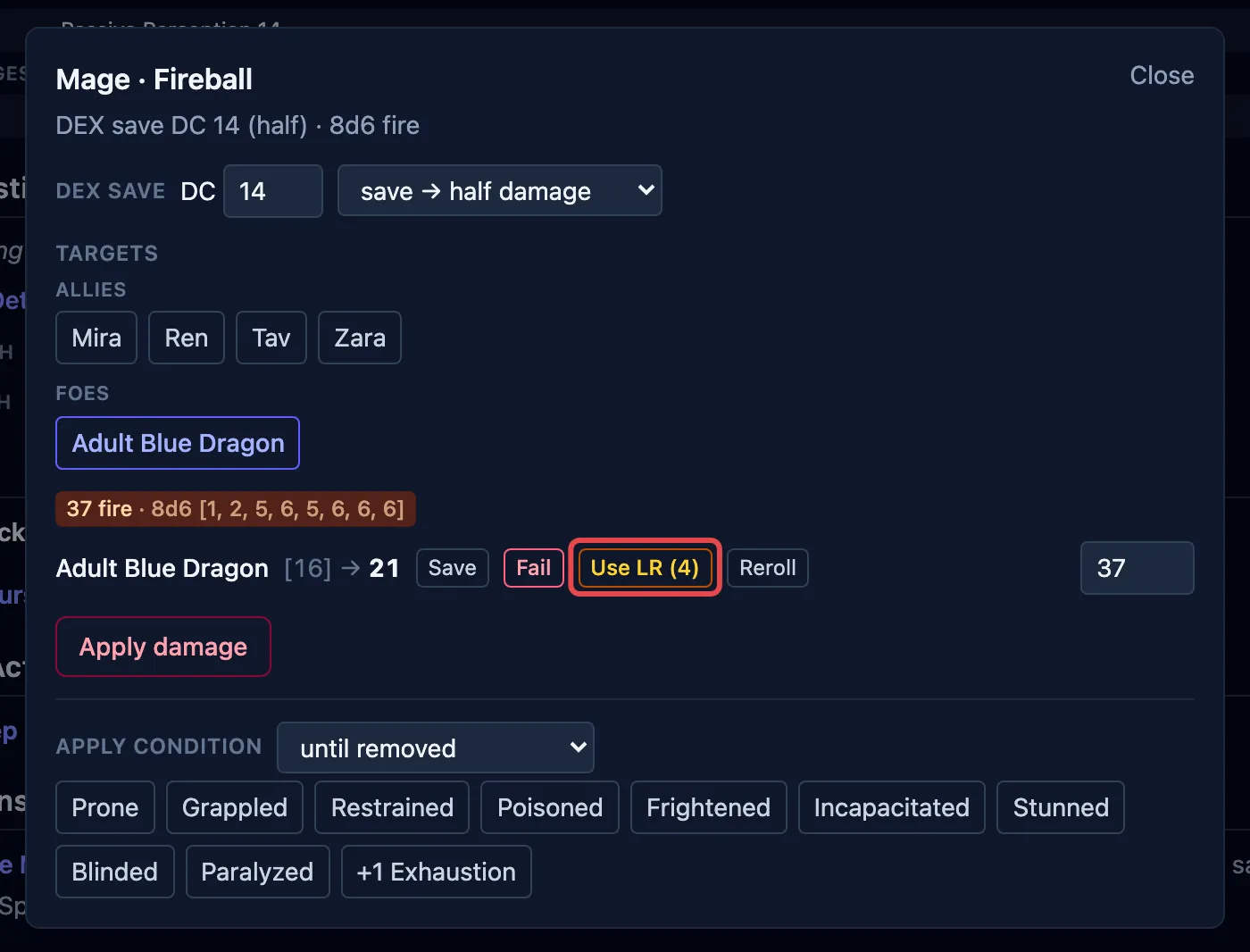
Section titled “Legendary resistance”A creature with Legendary Resistance can turn a failed saving throw into a success a few times a day. Its stat block shows the section with a counter, Legendary Resistance (3 left), and the controls have a Use Legendary Resistance button.
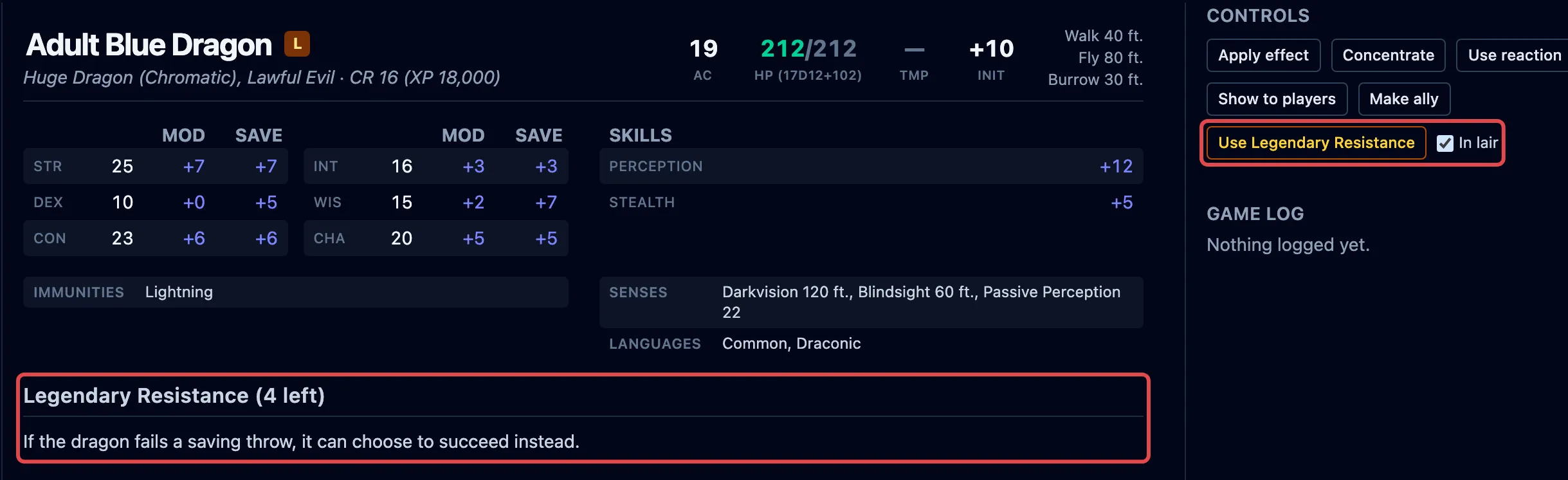
You can spend it two ways, and either way spends one use:
- press Use Legendary Resistance in the controls;
- when the creature fails a save in the save box, convert that failure to a success there.
Recharge abilities
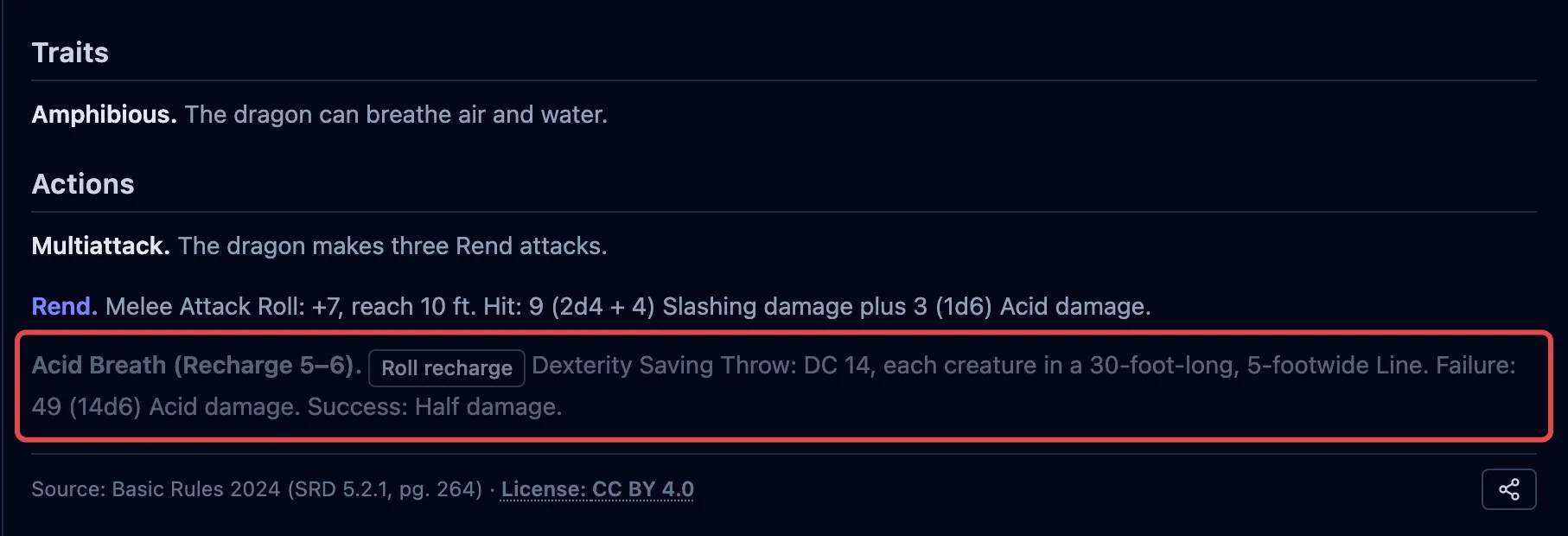
Section titled “Recharge abilities”Some abilities (a breath weapon, a bite) come back on a die roll, shown as Recharge 5–6 on the stat block. Use it and it grays out, spent. On the creature’s next turn, OpenFray rolls to see whether it recharges, and makes it available again if it does.
Limited-use actions and spells
Section titled “Limited-use actions and spells”Other resources are counted per use:
- An action marked N/Day is clickable while it has uses left and grays out at zero.
- Spell uses work the same way. An At will spell is unlimited; a 2/Day Each block counts down per spell, so casting Fireball leaves Invisibility untouched, and the spell grays out when it’s spent. See Cast a spell.
Moving to the next turn refreshes what should return: the reaction, the legendary-action budget, and recharge abilities. Per-day uses don’t return until a rest, or until you re-add the creature.